Focus Mode
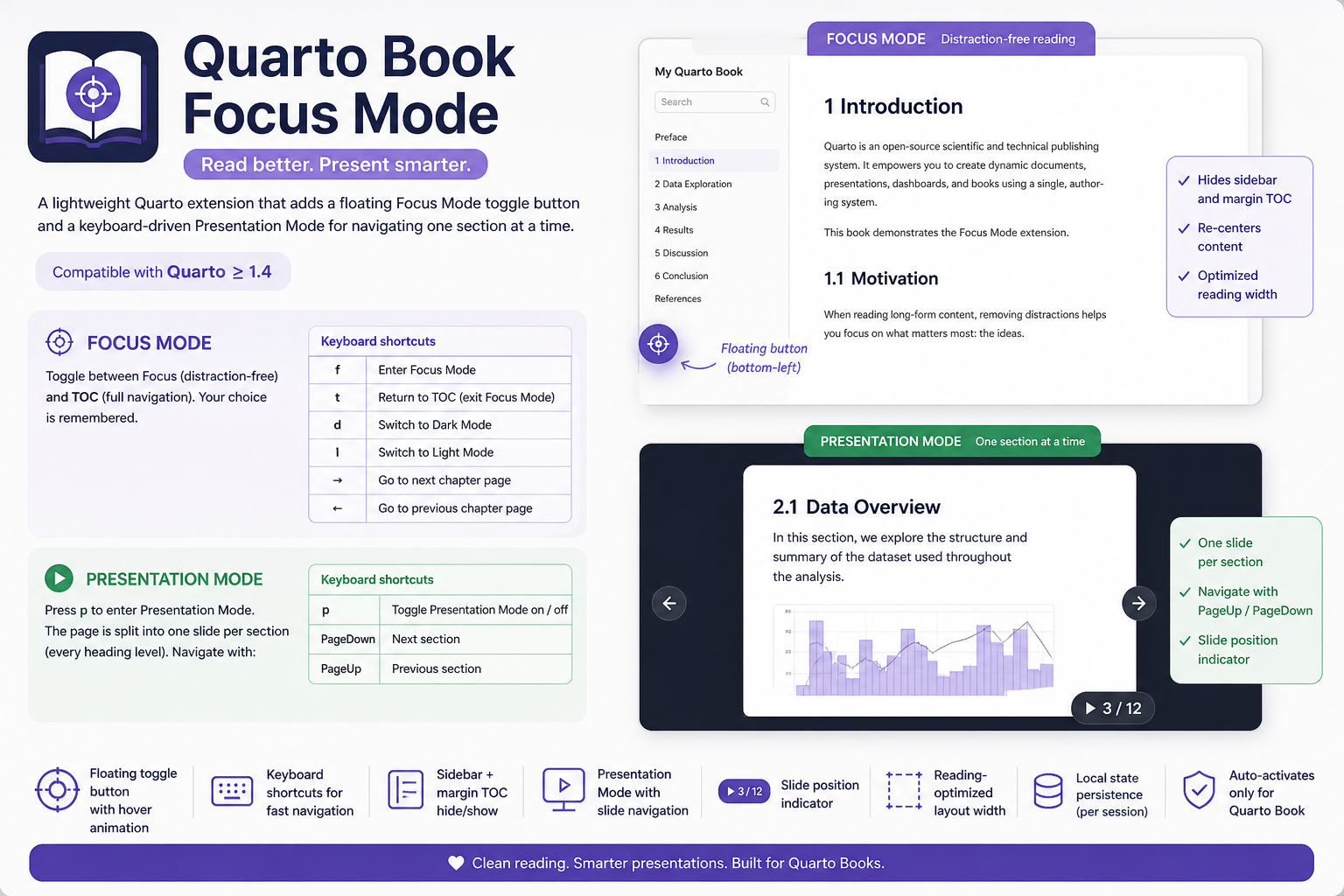
Press f to enter Focus Mode. The sidebar and margin TOC disappear, and the content recenters for comfortable reading.
Press t to bring the navigation back.
The floating button in the bottom-left corner does the same thing with a click.
This extension is desktop-only and is automatically disabled on mobile/touch devices.
If text looks too small or too large, use Ctrl + to zoom in and Ctrl - to zoom out (Ctrl 0 resets the zoom level).
How it works
Focus Mode adds the class book-focus-mode to <body>. The sidebar (#quarto-sidebar) and margin TOC (#quarto-margin-sidebar) are hidden with CSS, and the main content column is recentered.
The selected state is saved in localStorage, so it persists as you navigate between chapters.
Custom content width
You can control the reading width by setting a CSS variable in your project stylesheet:
:root {
  --book-focus-content-width: 960px;
}
Dark and light theme
If your book is configured with a dark theme (e.g. theme: [flatly, darkly]), you can switch between schemes with:
d— Dark Model— Light Mode